Access Torzon Market: step by step
Eight steps from a blank machine to a verified first session. Written for someone who has never touched Tor or Monero before. Nothing in here requires technical expertise. What it does require is patience — skip a step and you will either end up on a phishing clone or with an account you cannot recover.
What this guide assumes
Nothing complex. You need a computer, an internet connection, and about 45 minutes for the first setup. Every tool used here is free and open-source.

Why each layer matters
Tor Browser handles network anonymity — your ISP cannot see where you connect, the destination cannot see where you come from. Monero handles payment privacy — the transaction is untraced by default, unlike Bitcoin which posts every transfer to a permanent public ledger. PGP handles account security — the private key on your machine is the account, and no password reset can override it. 2FA handles session security — even if someone steals your passphrase, they cannot log in without also having your PGP key or TOTP device.
These four tools address four different threat vectors. Skipping one does not just reduce protection in that area — it creates a gap that the other three cannot cover. An account with no 2FA is recoverable by anyone who finds the passphrase. A Monero wallet sent from an exchange still carries a KYC trail from the exchange withdrawal. Each step exists for a reason that is not obvious until you think about the specific attack it prevents.
The EFF Surveillance Self-Defense guide and Privacy Guides both cover these threat models in detail if you want to read beyond this walkthrough.
Eight steps to a working Torzon session
Follow in order. The first three steps (Tor, security settings, Monero) can run in parallel. Steps four through eight require the previous step to be complete.
-
1
Install Tor Browser from torproject.org
Go to torproject.org and download the Tor Browser for your operating system. On the same page, there is a PGP signature file. Download that too. Before installing, verify the signature using the Tor Project's signing key — instructions are on the same download page. A mismatch means the download was tampered with.
Do not use search engines to find the Tor Browser download page. Type torproject.org directly into your address bar. Phishing campaigns regularly push fake "Tor Browser" downloads that contain malware. The PGP verification step catches these even if you landed on a convincing fake site.
On Linux, consider Tails OS instead. Tails runs entirely from a USB drive, routes all traffic through Tor automatically, leaves zero disk trace, and ships with every tool in this guide pre-installed. Setup takes longer the first time but eliminates several later steps.
Network layer: Tor hides your origin, not your destination content. Combine it with a trusted VPN like Mullvad if your ISP conducts traffic-shape surveillance. -
2
Set the security level to Safest
Open Tor Browser. Click the shield icon to the left of the address bar. Select "Change." On the Security Settings screen, drag the slider to Safest. This disables JavaScript, limits fonts, and turns off several browser features that have been used to de-anonymize users in the past.
Torzon is built to work without JavaScript. Every page on the genuine platform renders correctly at Safest level. If you arrive at a page labeled as Torzon that demands you enable scripting to proceed, close the tab immediately — that is a phishing clone testing whether you will bypass your own security settings.
For the most current browser fingerprint hardening recommendations, EFF and Privacy Guides publish updated browser security guides that cover Tor Browser specifically. Short reads. Worth the fifteen minutes.
-
3
Set up a Monero wallet
Download the official Monero GUI wallet from getmonero.org. Verify the SHA-256 hash on the download page before installing. Alternatively, Cake Wallet is a simpler option on Android and iOS, though the desktop GUI gives you full node control.
Generate a new wallet. Write down the 25-word seed phrase on paper. This phrase is the entire wallet — lose it and all funds are unrecoverable. Store it separately from your computer: a paper copy in a secure physical location is the standard recommendation from the Monero documentation.
Fund the wallet from a peer-to-peer exchange (LocalMonero, Bisq) rather than a KYC exchange. Funds that move from a KYC exchange carry an identifying withdrawal trail even after they arrive at a Monero address. On-chain Monero privacy applies to transfers within Monero, not to the trail from where the funds originated.
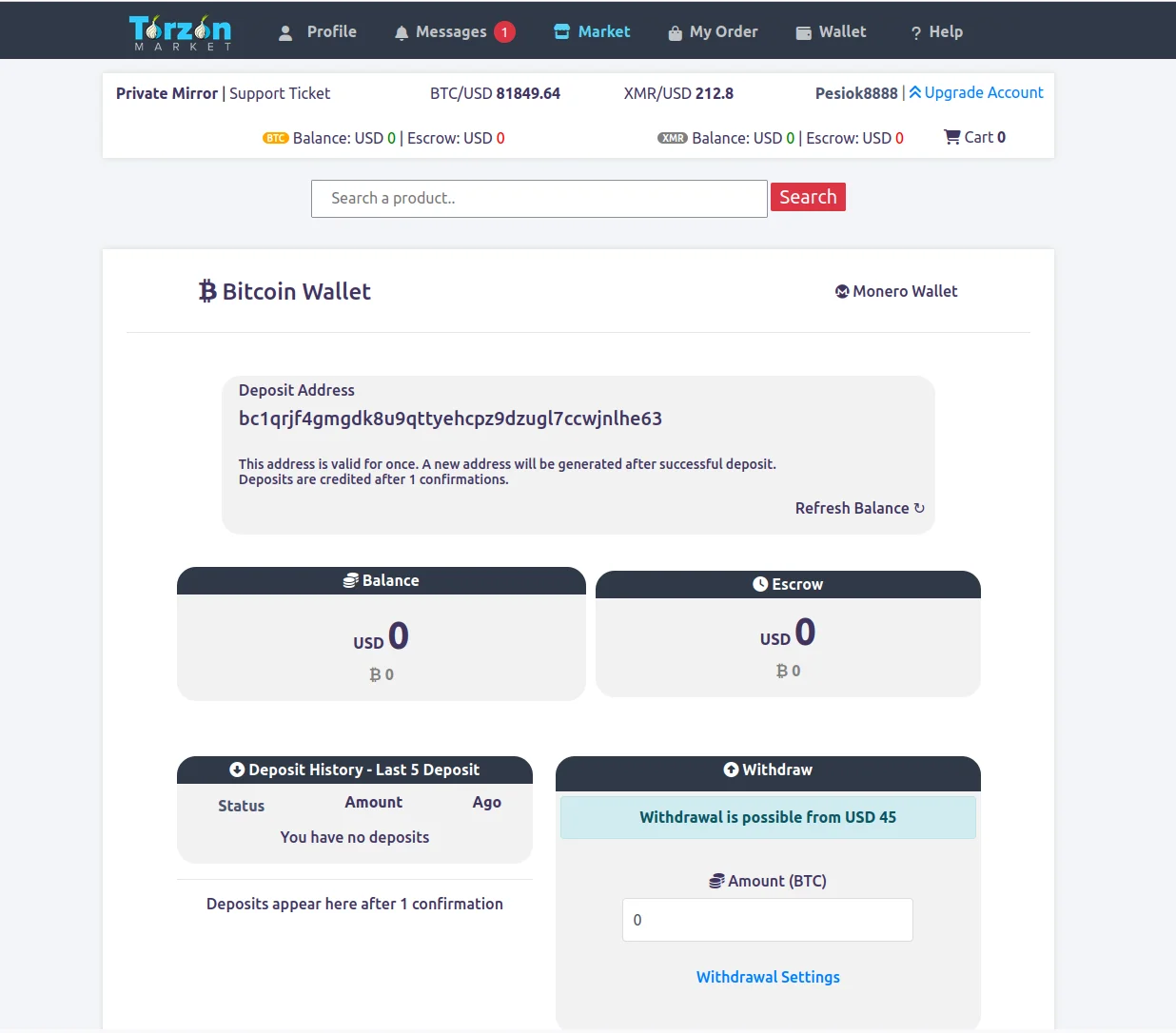
Monero wallet showing incoming transaction — amounts, sender, and recipient are all hidden at the protocol level. -
4
Generate a dedicated PGP key
Install GnuPG or Kleopatra (Windows GUI). Generate a new key specifically for Torzon — do not reuse any existing key from email or other services. Use a strong passphrase: sixteen or more characters, not a dictionary phrase. 4096-bit RSA or an Ed25519 key both work.
Export the public key (the part that starts with -----BEGIN PGP PUBLIC KEY BLOCK-----). You will upload this to your Torzon profile. The private key never leaves your machine. Store it on a VeraCrypt encrypted volume or in a KeePassXC attachment. Back it up to offline storage — a USB drive that never touches the internet is the standard approach.
Learn to decrypt a message before you need to. Go through the GnuPG documentation for a test encrypt-decrypt cycle. When you receive an encrypted shipping address from a vendor, the decryption step needs to happen quickly and correctly — practicing beforehand removes the time pressure.
-
5
Copy a verified mirror link and connect
Go to the mirrors page on this site. Copy one of the five verified onion addresses using the copy button. Open a new tab in Tor Browser and paste the address. Hit return. Connection takes ten to thirty seconds — Tor is building a circuit through three relay nodes before reaching the hidden service.
Torzon's entry page loads with a captcha. Solve it once. After that the session is bound to your Tor circuit. If the address stalls past sixty seconds, do not reload it immediately — try the next mirror in the list first. All five addresses share the same backend, so switching mirrors mid-session preserves your cart and any open orders.
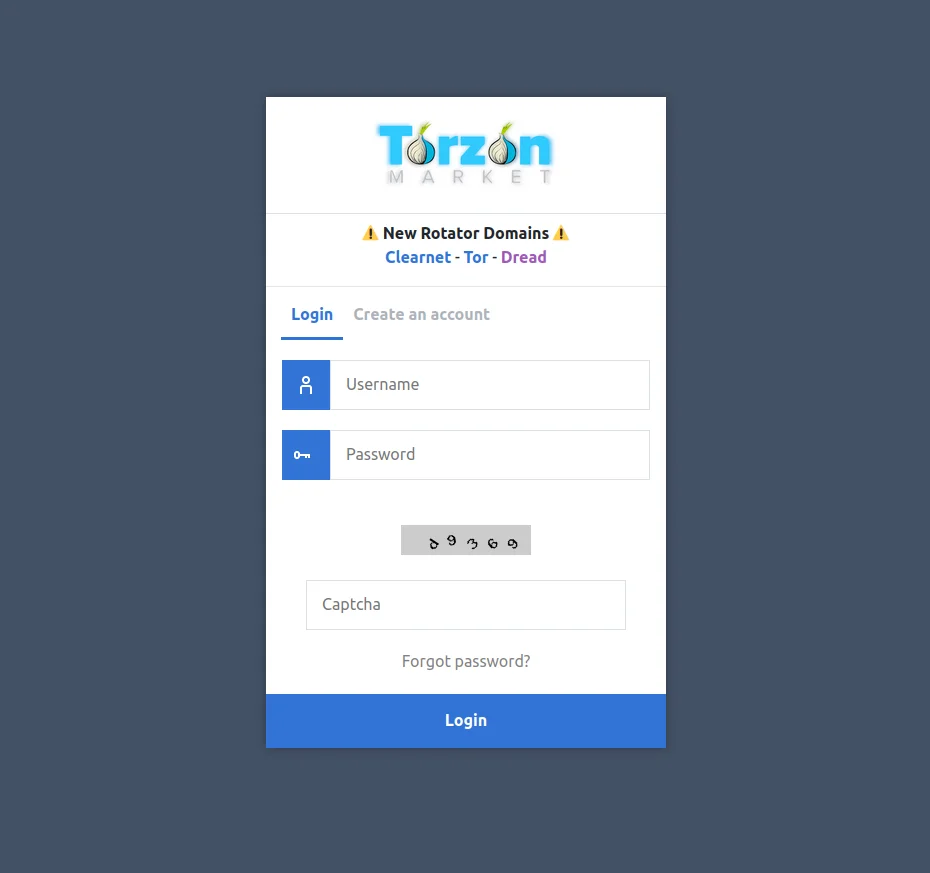
Torzon login page — notice the absent JavaScript requirement. Any login page demanding scripting is not the real market. -
6
Register your account
On the registration form, choose a username that has no connection to any real identity — not your nickname, not initials, not anything derived from email addresses you use elsewhere. Set a strong passphrase. Upload your PGP public key in the designated field.
After registration, verify the PGP upload is correct: go to your account settings, find the PGP section, and run a test decryption against the challenge Torzon provides. If the challenge decrypts correctly with your local GnuPG setup, the key is properly linked to the account.
Write the username and passphrase on paper and store them alongside your PGP backup, not in a cloud password manager. Torzon has no account recovery pathway. The written backup is the only recovery option.
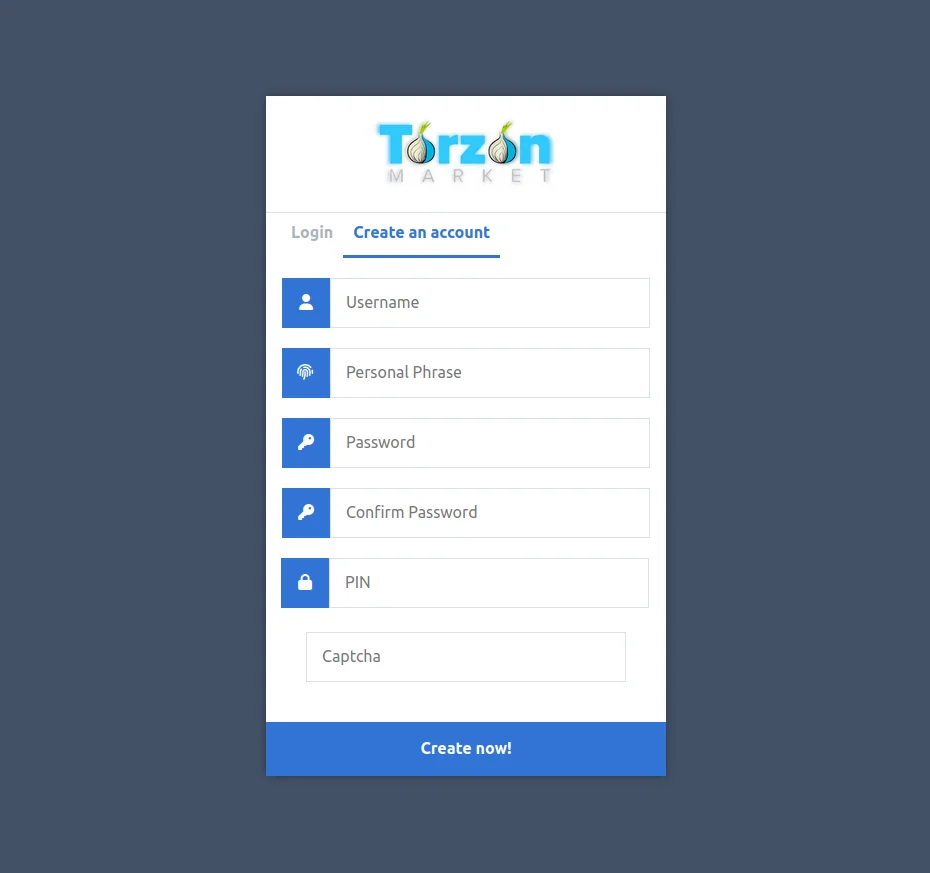
Registration form — PGP key upload field visible. This step links the key to the account permanently. -
7
Enable 2FA before browsing listings
Navigate to account security settings and activate 2FA before doing anything else. Three options exist: TOTP (time-based one-time password), PGP challenge-response, or a hardware key.
PGP 2FA is the most phishing-resistant choice for users who have already set up GnuPG. At each login, Torzon encrypts a random challenge to your public key. You decrypt it with your private key and submit the plaintext. A phishing clone cannot complete this process because it does not have access to your private key — it can only display a fake challenge. A TOTP code, by contrast, can be captured and reused within the thirty-second window.
Whichever method you choose, save the backup codes in the same offline location as your PGP key backup. Backup codes are single-use. After using one, cross it off. When the list is down to three, generate a new set.
PGP 2FA authentication screen — encrypted challenge awaiting decryption by the account's private key. -
8
Place your first order
Find a listing. Check the vendor's feedback history — look for consistent ratings over at least sixty transactions rather than a few perfect scores. For domestic orders, the escrow time-lock is seven days. For international, fourteen days.
At checkout, Torzon generates a one-time escrow address. Copy it exactly into your Monero wallet or Bitcoin client and send the correct amount. Do not send from an exchange balance — the chain analytics trail from an exchange withdrawal follows the funds into the escrow contract. Send from your own wallet, which you funded from a non-KYC source earlier in this guide.
After payment confirms, the order status moves to "In escrow." When the package arrives, mark it as received inside Torzon. That triggers the escrow release to the vendor. If the package does not arrive before the time-lock fires, the contract auto-refunds without requiring admin intervention.
Keep all order communication inside Torzon's messaging system. Vendors who ask to communicate via Telegram, Signal, or any external channel are violating the platform rules and are more likely to be undercover operations. All shipping addresses should be sent encrypted with your PGP key.
Operational security — what the eight steps do not cover
The setup guide gets you connected and registered. OPSEC is what keeps you safe over repeated sessions.
Common mistakes on a first session
The most frequent error new Torzon users make is funding the escrow address directly from an exchange balance. The exchange withdrawal is on-chain and carries the exchange's KYC data as metadata. Even though the Monero transfer itself is private, the analysis starts from the withdrawal point, not from the Torzon deposit. Moving funds through at least one intermediate wallet breaks the direct link.
The second most common mistake is copying a Torzon link from a Telegram channel without verifying it. Telegram channels that distribute "official" Torzon links are routinely operated by phishing groups. The PGP-signed Dread announcement is the only source that verifies the address cryptographically. This page republishes from that source — but if you are ever uncertain, go to the original.
Third: not saving the PGP key backup before the first session. People feel the urgency to start browsing and defer the backup step. Accounts are lost this way. The backup takes ten minutes. Do it before the first login, not after.
Tools referenced in this guide
- Tor Project — Tor Browser download and documentation
- Tails OS — amnesic operating system for maximum OPSEC
- Monero — official XMR wallet and documentation
- GnuPG — PGP key generation and management
- KeePassXC — offline password and key management
- VeraCrypt — encrypted volume for key storage
- Mullvad VPN — VPN-before-Tor option if needed
- Whonix — VM-based Tor isolation
- EFF — threat modeling and privacy guides
- Privacy Guides — tool recommendations and OPSEC advice
Setup questions — what readers ask most
These come up after people go through the guide for the first time.
Do I need a VPN before Tor when accessing Torzon?
The question divides privacy researchers. A VPN before Tor hides Tor use from your ISP at the cost of the VPN provider being able to see that you use Tor. Mullvad VPN, paid with cash or Monero, is the most common choice if you want the ISP-level protection. Without a VPN, your ISP sees Tor traffic patterns but not destinations or content. The Tor Project's position is that a VPN is unnecessary for most users — the Tor circuit itself provides strong anonymity when configured correctly at Safest level.
Why is Monero preferred over Bitcoin on Torzon?
Monero's RingCT protocol hides sender, recipient, and amount at the protocol level. Bitcoin's transactions are publicly visible forever. Torzon reflects this in the fee structure: XMR carries a 0.5% commission, BTC carries 2% to cover the CoinJoin mixing Torzon applies automatically. If you hold BTC, Torzon will perform a native atomic swap to XMR inside the checkout session — no third-party exchange, no KYC surface, no custody hand-off to a mixer.
What happens if I lose my Torzon PGP private key?
Account loss. Torzon has no email system and no support recovery pathway that bypasses PGP ownership. The private key is the account. This is intentional — the same property that prevents unauthorized access also prevents recovery without the key. Store the key and its passphrase in separate physical locations. A paper copy in a fireproof container is the standard recommendation.
Is Tails OS required to access Torzon?
Not required. Tor Browser on a standard OS provides adequate anonymity for most users and is the starting point for everyone. Tails is the stronger option because all traffic routes through Tor by default, nothing writes to disk, and the session state evaporates on shutdown. For someone who accesses Torzon more than once a week, the added protection of Tails is worth the one-time setup investment. Get Tor Browser working first, then consider upgrading to Tails.
How do I know my Torzon session is not being monitored?
Verify three things: the Tor circuit indicator shows three active relays, the address matches a PGP-verified mirror, and the canary is fresh. Beyond that, Tor's design means your ISP cannot read session contents and the exit node sees only the final hop to the onion service — not the content. The hidden service itself sees your account activity but not your IP address. That is the boundary of what Tor can guarantee.
What is Torzon's 2FA system?
Three options. TOTP via an air-gapped authenticator — easy to set up, thirty-second codes. PGP challenge-response — Torzon encrypts a challenge to your public key, you decrypt and submit the plaintext. A phishing clone cannot complete this step without your private key, which makes it the most phishing-resistant option. Hardware key — strongest physical protection, requires the key at every login. Start with TOTP if you are new to all three, upgrade to PGP 2FA once you have a working GnuPG setup.
How does Torzon escrow work for buyers?
2-of-3 multisig with a time-lock. At checkout you receive a one-time escrow address. Send the exact amount from your wallet. The funds lock. When you confirm delivery, 2-of-3 keys sign the release (yours and the marketplace key). In a dispute, the third key (vendor key) is involved in the mediation. If nobody resolves within fourteen days, the time-lock fires automatically and refunds the buyer without any admin action required.
Can I access Torzon without JavaScript?
Yes, and you should. Torzon is built specifically to work with scripts disabled. The security slider at Safest turns off JavaScript in Tor Browser. Every genuine Torzon page renders fully at that level. Any page presenting itself as Torzon that requires JavaScript to display the login form or product listings is a phishing clone. This is one of the easiest clone detection tests available.
Get a verified Torzon link and start
Setup done. Get a verified onion address from the mirrors page, paste it into Tor Browser, and complete the registration. The eight steps above cover everything you need for a first safe session.
- Free tools only
- 45 min setup
- No prerequisites
- 2026 guide